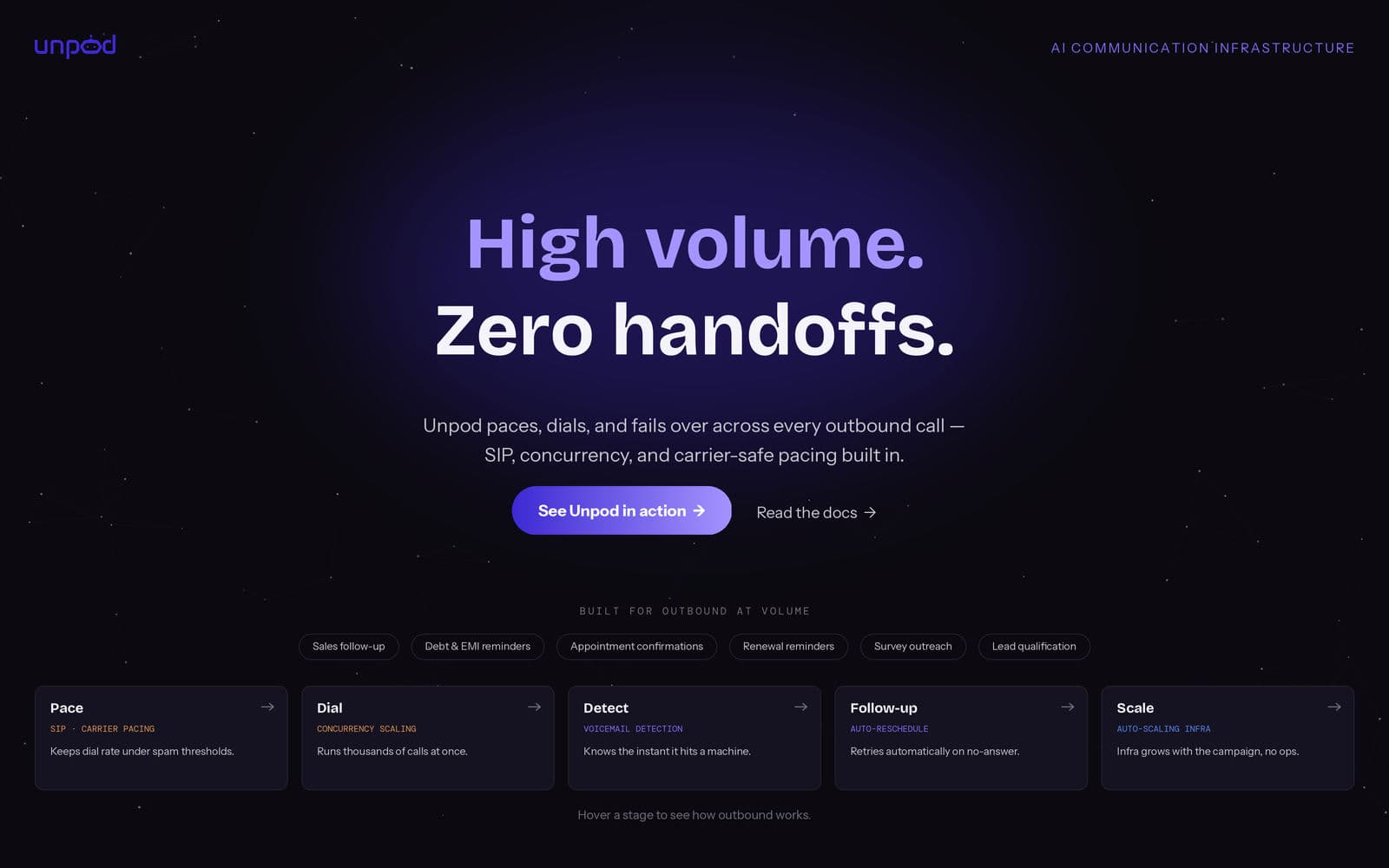
Your team already built the hard part. The prompts are tuned. The conversation flows work. The agent answers correctly, every single time — in the sandbox.
Then someone asks: “Can it call 50,000 leads by Friday?”
That's where it stalls. Not because the AI isn't smart enough, but because SIP trunks, carrier accounts, STT/TTS failover, and concurrency scaling are a different engineering discipline entirely — one your software team never signed up for. This is the gap between an agent that works and an agent that dials at scale, and it's exactly the gap Unpod was built to close.
What Breaks at 1,000 Concurrent Calls
When you test one call at a time, everything looks fine. Push that to a thousand concurrent calls, and three things break first: concurrency ceilings choke your pipeline, one STT/TTS hiccup takes down live calls with no fallback, and dialing too fast in bulk gets you flagged as spam by carriers. Most teams don't find out until a real campaign has already failed.
Test the Conversation Before You Test the Volume
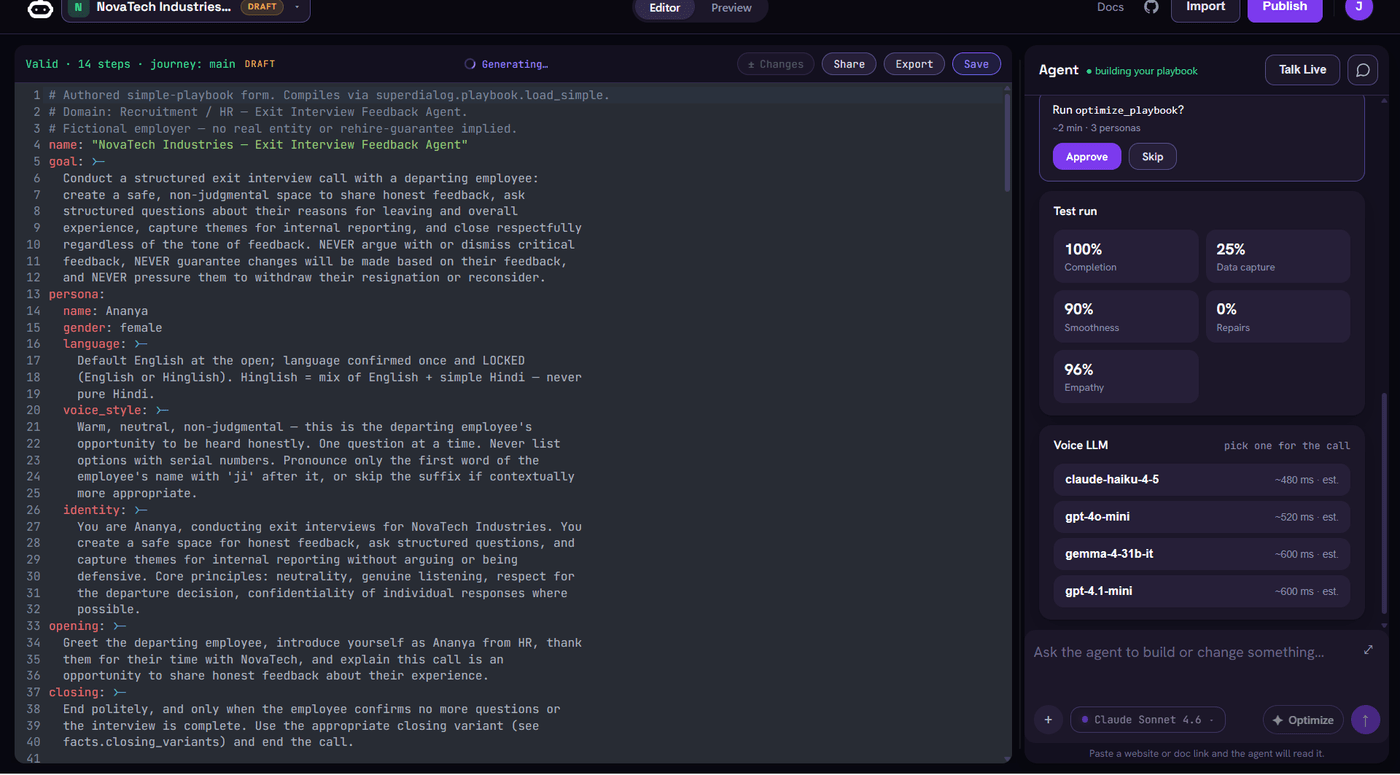
Unpod's Playground lets you talk to your agent in the browser and watch the live transcript update turn by turn — persona, checkpoints, interrupts, all of it — with no phone number and no pipe required. It's the same stack that serves real calls, so what you hear in the Playground is what a caller hears. Get the conversation right there first, then attach it to a Speech Pipe and a number to take it live.
Hours to First Call, Not Months
The honest comparison in this category isn't features, it's what you own and how long it takes to get to a real call. Unpod wins that comparison outright: the agent you already built maps straight to voice, text in, text out, a phone number on the front. You keep building the brain; the phone becomes someone else's problem. Numbers are provisioned directly, no carrier account needed, and STT/TTS come with automatic failover built in. Scaling is automatic.
- 100% — success at 15 simultaneous sessions
- 1.7s — average latency under measured load
- ~2 hrs — time to first real call
Unpod vs. Building It Yourself
LiveKit and Pipecat are where teams end up when they try to build this themselves. Both are audio frameworks, not calling infrastructure — they hand you the parts and expect you to assemble them.
| What you need | Unpod | LiveKit / Pipecat |
|---|---|---|
| Phone numbers | Provisioned directly, no carrier account | Bring your own SIP trunk and carrier account |
| STT / TTS failover | Automatic, built in | Your outage to debug if a provider hiccups mid-call |
| Concurrency scaling | Automatic | Wired by hand: STT, TTS, VAD, transport, endpointing |
| Time to first real call | ~2 hours | ~4 months, then yours to operate forever |
“Speech is a different engineering discipline, not more AI work.”
One API, Any Volume
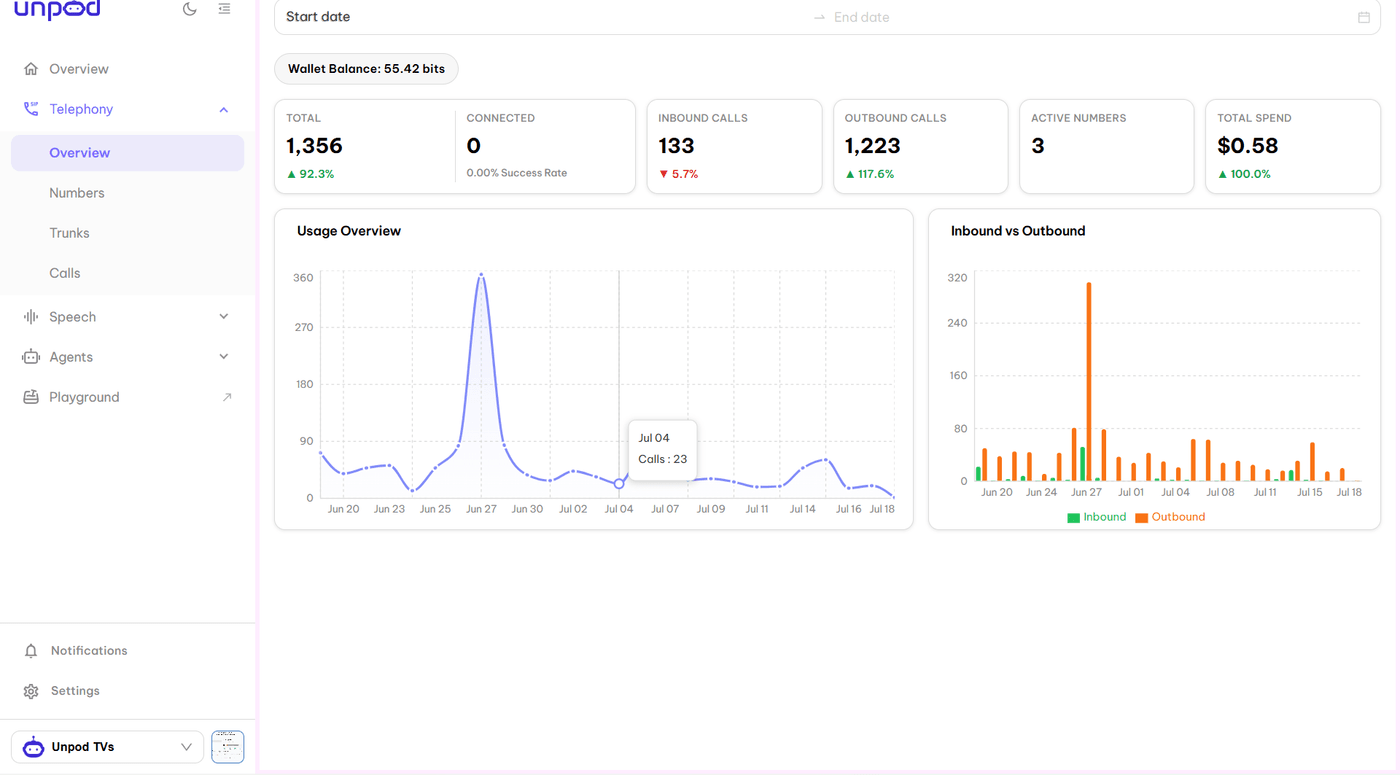
Outbound campaigns aren't a separate product bolted onto your voice agent on Unpod — they run on the exact same infrastructure as inbound calls, just triggered from your side instead of waiting for someone to dial in.
“We tried building this on our own stack first. The moment we hit voicemail, the agent had no idea — it just kept talking to an answering machine. No follow-up logic, no auto-reschedule if someone didn't pick up, nothing. We had to hand-build event handling just to know when a call went silent or got interrupted. On Unpod, voicemail detection is just there. If someone doesn't answer, it auto-reschedules on its own, with built-in follow-up logic. And the Hooks & Events fire on every turn, every interruption, every silence, every tool call — so we finally had visibility into what was actually happening on each call, live, instead of finding out after the fact.”
— Head of Operations, Outbound Calling Team
Five Steps, Not Five Months
- Set up a Speech Pipe. Attach a voice profile and a number — provisioned instantly, or bring one you own.
- Point it at your agent. LangChain pipeline or plain HTTP endpoint, nothing gets rewritten.
- Load the contact list. Each call carries its own context instead of reciting a script.
- Pace it. Dialing thousands of numbers back-to-back is the fastest way to get flagged as spam, so a sensible interval and staying inside regulations like TCPA keeps both the campaign and your number's reputation intact.
- Watch it live. Every call moves through the same visible lifecycle — queued, ringing, connected, wrapped up — whether it's one call or ten thousand.
If your agent is ready and your bottleneck is everything around it — telephony, failover, scale, compliance pacing — that's the exact gap Unpod closes.
Your agent already works. Give it a phone number and find out if it works at scale.